Why the iPhone X feels like an evolution of the iPhone, but not of the smartphone
Its screen looks boxed in compared to latest Samsung handsets, emphasising how much they advanced the smartphone, and losing home button may not be worth it; facial recognition and augmented reality are pluses

Apple needed to wow sceptics with its 10th-anniversary smartphone, the iPhone X. (That’s pronounced “iPhone 10,” for the curious.) As expected, Apple showed off a phone with an edge-to-edge screen, advanced facial recognition technology and no home button.
Apple launches ‘the future of the smartphone’ in new flagship iPhone X
I got to try it out, spending some brief time with the phone at Apple’s launch event on September 12. This is a sleek, beautiful phone. It had all of the more credible features we were promised by a steady drip of leaks. And it is certainly the most futuristic iPhone that Apple’s ever produced.
But while the iPhone X looks like an evolution of the iPhone, it doesn’t feel like an evolution – more broadly – of the smartphone.
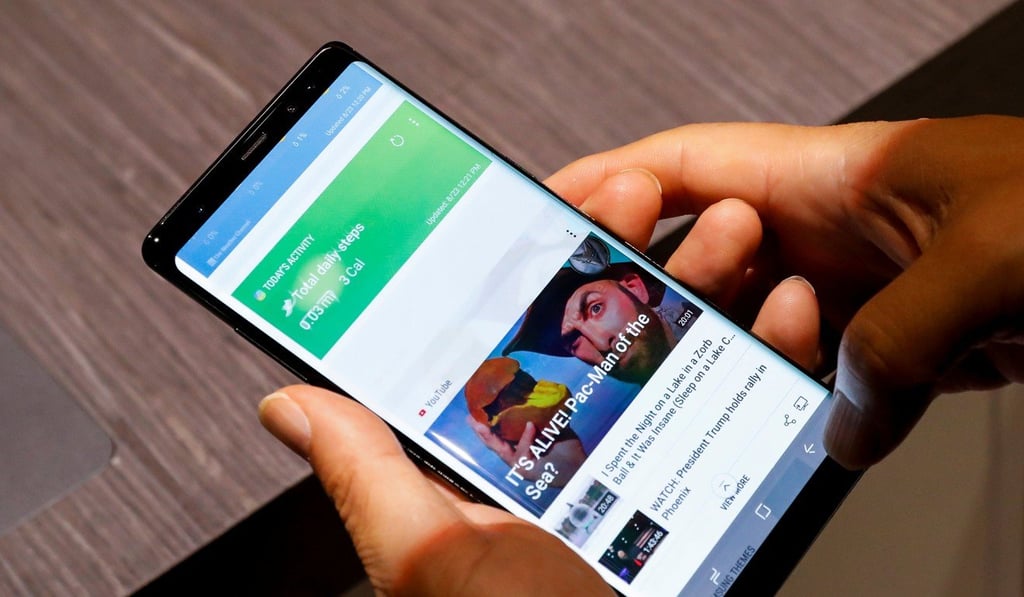
And it’s not immediately clear to me that losing the home button for an all-screen front, on balance, is worth it. Apple’s come up with a series of gestures to replace the home button functions. For example, getting to the home screen requires a swipe up the middle of the screen. Pause mid-swipe, and that gets you a view of all of your apps. The Control Center, which was formerly called up by swiping from the bottom, is now summoned by swiping down from the upper right-hand corner.