How to declutter your digital life: an expert shares tips and her favourite apps
Whether you want to back up files, organise emails or tidy up your photo albums, there are plenty of apps to help. Digital business coach Deb Lee shares her favourites and offers handy tips to get your electronic life in order

Technology moves fast, very fast. Blink and there’s a new app – or six – promising to help you deal with kids’ art, minimise junk email, organise photos, keep a to-do list.
According to Deb Lee, a digital business coach and productivity consultant, there are tools to stay organised, manage that growing digital clutter, and increase productivity.
Digital detox tips and how to switch off from devices to avoid digital dementia: experts give their advice
Lee explains that digital clutter is similar to physical clutter. If we don’t use our digital devices effectively, everything we’re gaining in convenience is outweighed by the frustration and anxiety it causes, not to mention the lost time. She offers the following tips:
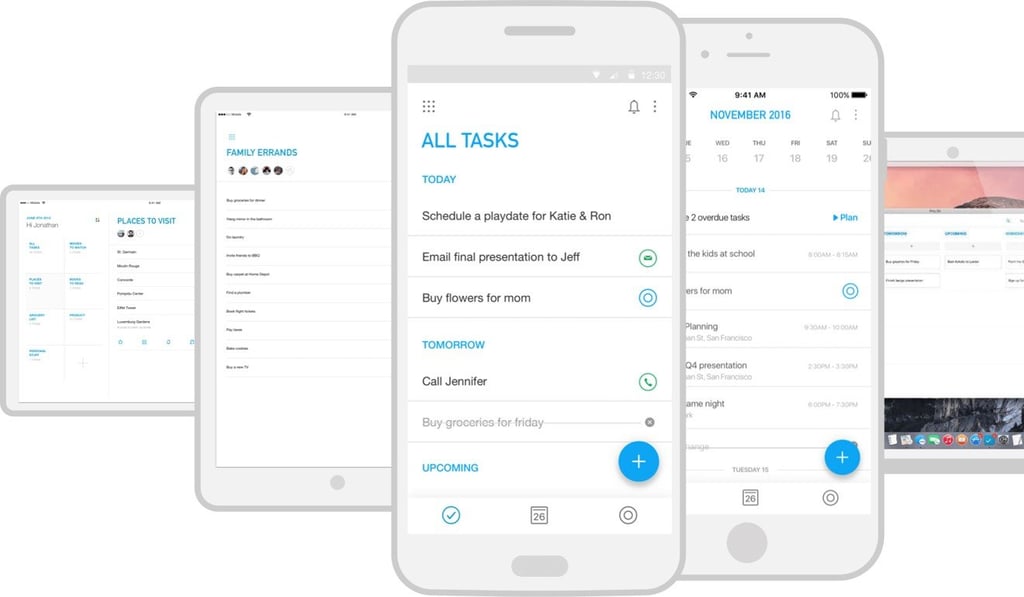
If you struggle with missing deadlines or forgetting tasks, Lee recommends apps such as Evernote or Any.do for taking notes and keeping lists. Evernote has features such as the Web Clipper, searching for text in images and business card scanning.
Lee likes Any.do for its to-do list, as well as its collaborative and reminder features. Google Keep is also popular, though more simplistic. Each of these apps is available across platforms and has free and paid options.