Five apps to make life easier, and save time and money
Hound, Facetune, City Mapper, Recent News and DJI Go 4 will save you time and money, and are all available from Apple and Android stores

In this fast-paced, hyper society, finding ways to optimise our daily activities is always welcome. Apple famously came up with “There is an app for that” and has even patented it. Then they gave birth to Siri. But the race is on, and there is no going back. Here are five apps you might consider using to save you time and money, readily available from Apple and Android stores:
Hound:
You all know Siri, Alexa and Google Now, now let me introduce you to Hound.
What it does:
Hound’s an infant compared to the tech heavyweights, but it’s becoming a contender as a scrappy personal assistant. You can ask it questions and it will not only answer you verbally, but pull up search results visually, too.
How it works:
One time saver I use is asking it how much an Uber ride would roughly cost to the destination I’m going. This is a huge time saver because the result is almost instantaneous. If you are on a diet, you can ask it what the total calories are in a meal. Hong Kong loves its real estate, so try asking it to do a mortgage calculation on that new flat.

How it stands out:
Unlike Siri and Google Now, you can ask it multiple questions, such as, “What is the capital of France, and the population of Spain” all in one go. I’m sure you’ll try some of your own string of questions for fun.
Facetune:
Recommended by my wife who’s a photographer, this is a smart digital plastic surgery app to make sure you look your best on social media.
What it does:
At just US$4, you can smooth out those wrinkles, give yourself a tummy tuck, and recolour your hair so that when you post to Instagram and Facebook, no one knows how sleep deprived you are or how long you have skipped going to the gym.

How it works:
It’s super easy to use. Just open the image, rub your finger over your face, for example, and it will smartly clear up blemishes with ease.

The edge:
It’s more straightforward than Photoshop, and it would be even better using it on an iPad Pro.
City Mapper:
They call themselves the ultimate transport app, and I love that ambition, because I’m always on the go.

What it does:
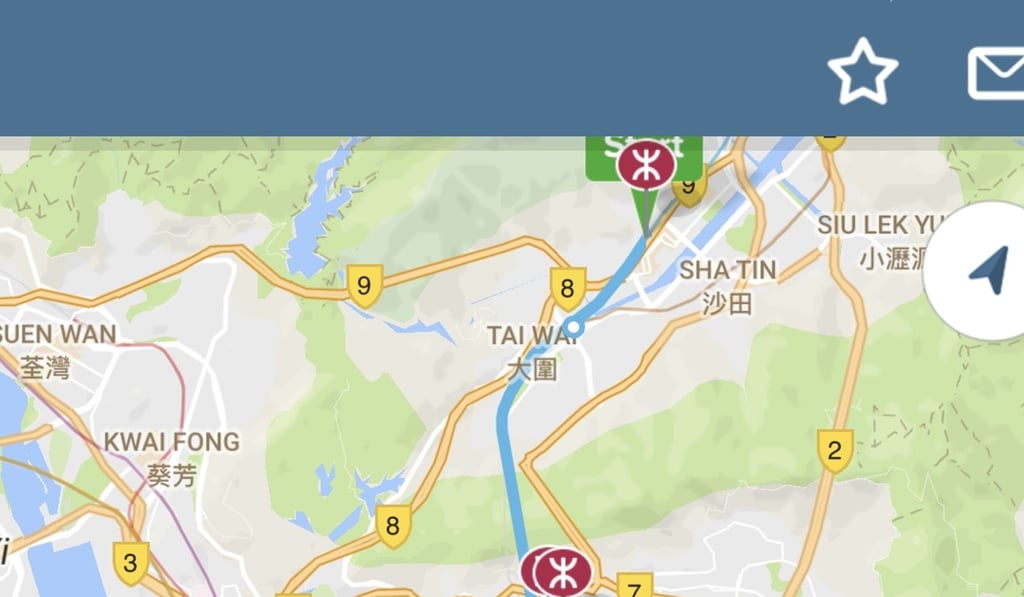
City mapper will optimise the quickest route via different modes of transport. Using real time data from different transport authorities, such as the MTR in Hong Kong and MTA information from the New York City subway, you can carve out your best commute as a work or best way to reach a destination as a tourist.
How it works:
I have a long commute which requires an MTR-to-bus switch, so I enjoy using it just for that purpose of checking and co-ordinating how much time I have to eat my breakfast before I need to head out. I can’t wait to use it to navigate the labyrinth that is Tokyo public transport system.
The edge:
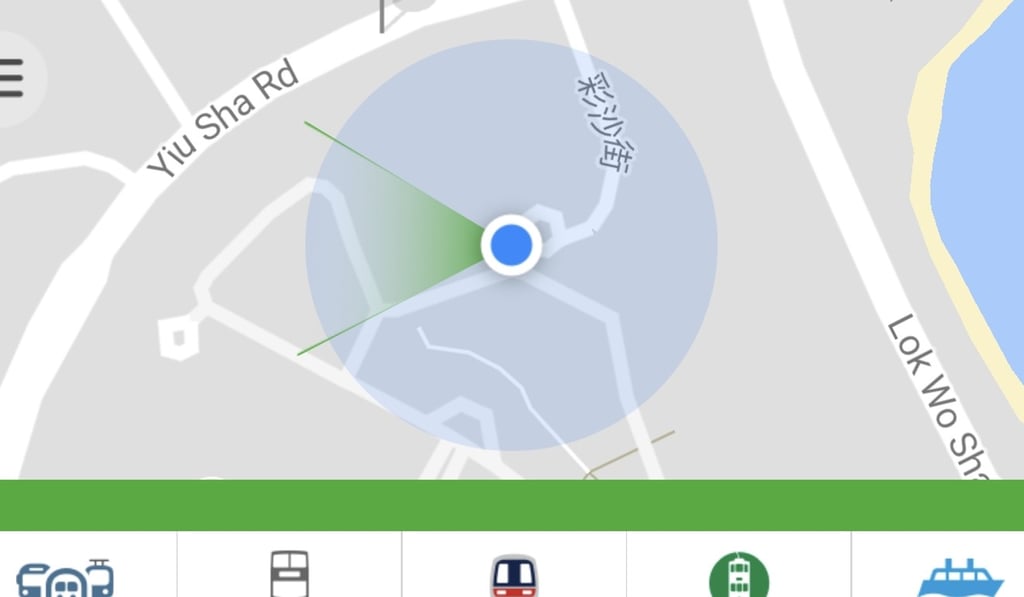
It uses its smartness to re-route you real time when there are delays or detours.
Recent News:
If all the social media feeds are confusing you, this app can help you streamline the information you get.
What it does:
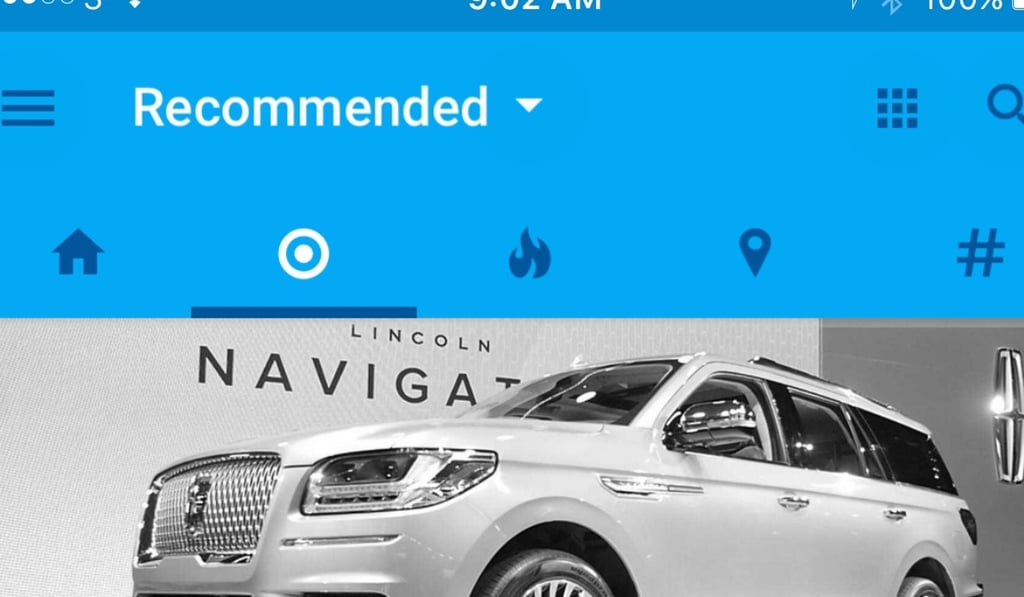
This app that uses AI to co-ordinate news based on your preferences.
How it works:
In the beginning you select a variety of topics from science to politics to hobbies. After you’ve read three articles, it creates a feed based on your reading habits. Magazine-style simplicity of the user interface separates news into five buckets: main, preferred, hot news, location, and my favourite “hashtag”.
The edge:
The feed is compact so I can scroll through lots of news quickly to make my selection. You can conveniently swipe left and right between feeds.
DJI Go 4
Being a big DJI fan and dealing with a lot of video, this is a dream come true.

What it does:
After you’ve shot video with the DJI app, it intelligently assembles highlights from the selected clips and adds music.
How it works:
It has a smart editor called “autoedit” that creates movies for you. If you just want a simple summary video of, say, your most recent drone flight, it’s not bad for all the hassle and time you’ll save in editing time.

The edge:
Eliminate the time spent downloading and importing footage and jump to a casual video or rough cut to see if you’ve got all the footage you need.