Shooting cinematic video with iPhone 11 Pro and the DJI Osmo Mobile 3
A gimbal alone won’t make your video amazing. You’ll need technique as well.
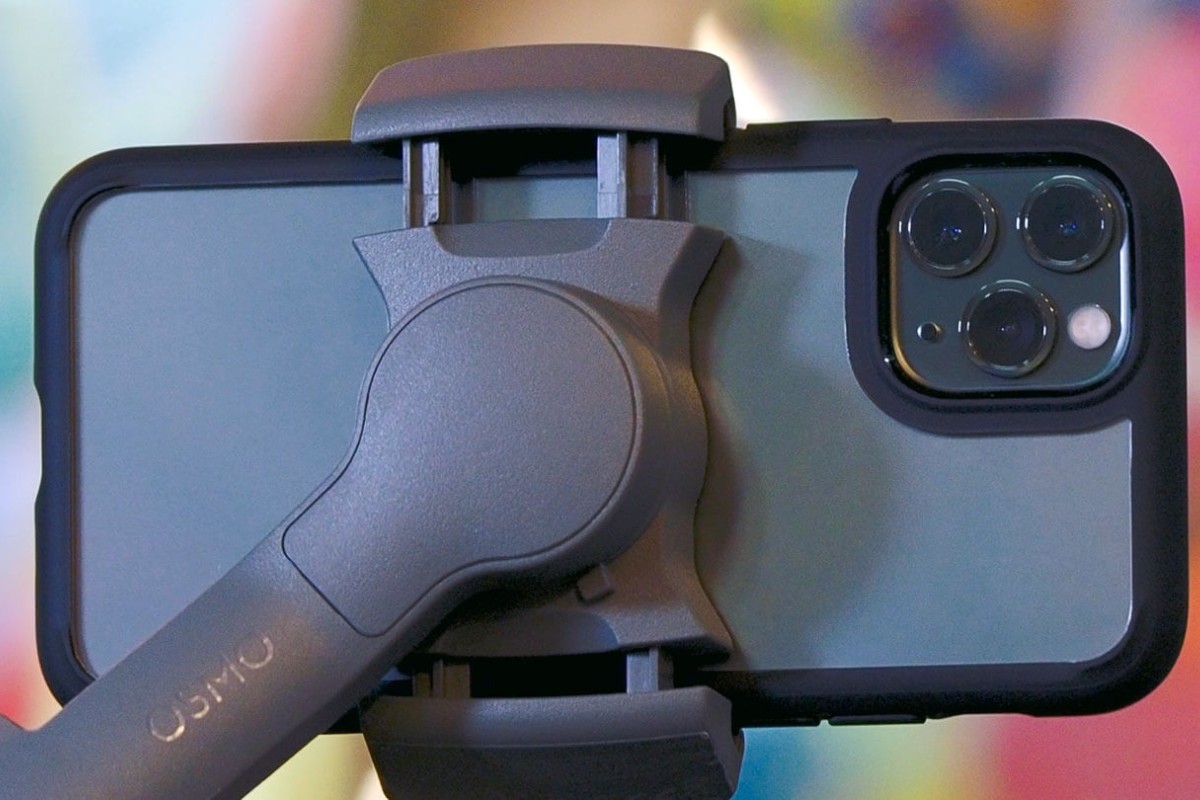
You don't need an expensive rig to shoot cinematic video. All you need is a smartphone and a gimbal, and I'm going to show you how.
The goal of this article and accompanying video is to show you some shooting techniques and important gimbal moves that could help you capture some awesome cinematic footage. I used an iPhone 11 Pro and a DJI Osmo Mobile 3.
But simply putting your smartphone on a gimbal won’t magically turn you into a master videographer. That’s why you should check out the video above. In it, I go over a few gimbal techniques and practices that will help you shoot better and more professional video.

Gimbals are useful for producing stabilized video, but capturing cinematic video requires using it correctly. A gimbal provides a lot of versatility in the types of shots you can get. When you know the techniques, you’ll be ready to maximize this particular piece of equipment for your smartphone.