The Black Shark Helo gaming smartphone is not fun to play with
It's like a cheap Nintendo Switch... except it costs more!

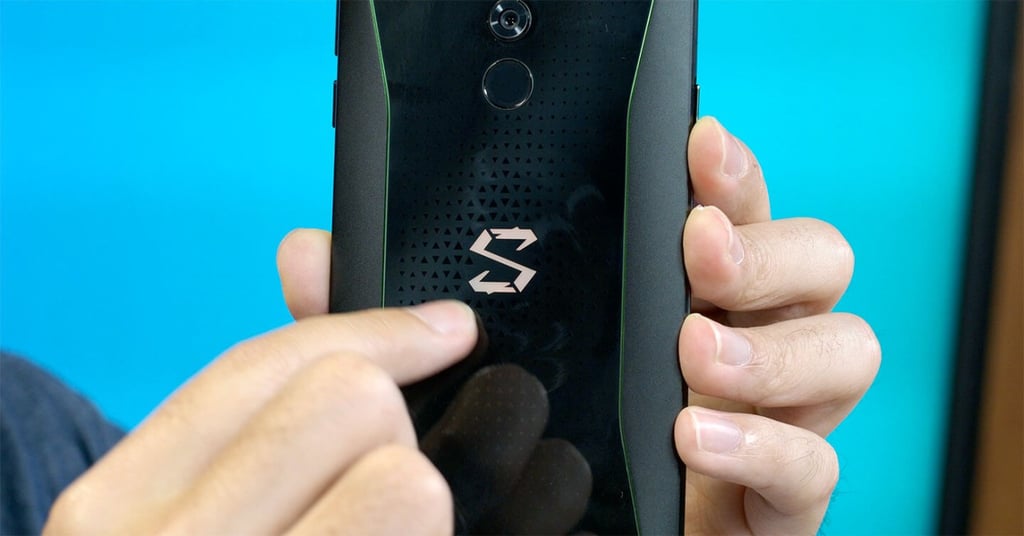
RAVI: OK, on first glance, you can tell exactly who this phone is targeted at. It’s got green edges, it’s got weird angular bits of plastic everywhere, and the logo lights up in multiple colors. It’s like they took every GAMER stereotype possible and packed it into a phone. What do you think of its looks?
CHRIS: I was expecting this phone to be more solidly built for gamers, but sadly, it’s not. It’s got this green chrome accent around the phone, but it doesn’t feel high-end at all. It feels a little bit cheap. That glowing logo on the back? You can hardly see it. I’m not so sure this phone is really designed for gamers.
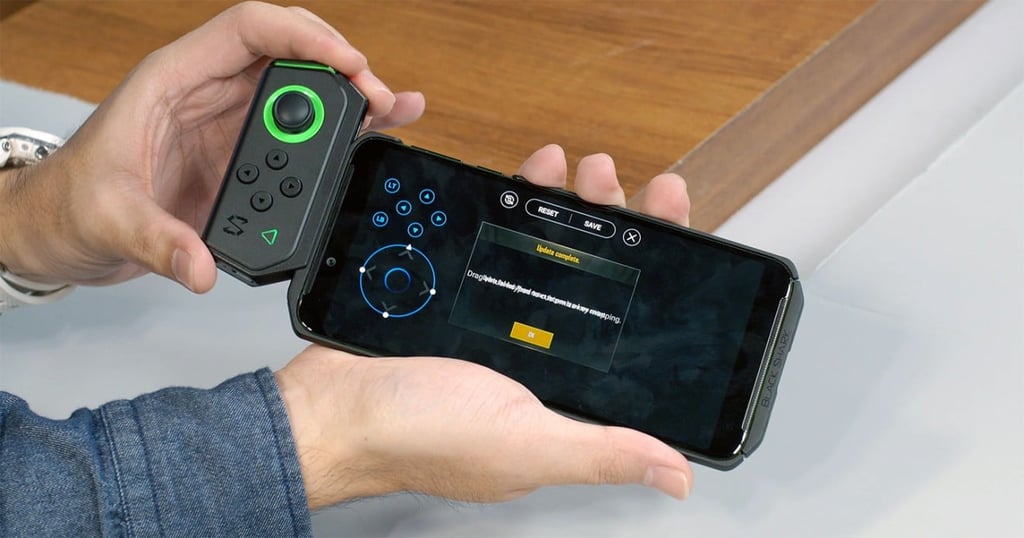
RAVI: The big feature in hardware terms is the controller. There’s a little wireless controller here with an analog stick and a few buttons that snaps on to the phone… but actually, “snap” is the wrong word, right? Unlike the satisfying CLICK you get when you snap a Nintendo Switch Joy-Con into the console, this feels… really bad. You don’t connect it to the phone itself, but to a cheap plastic case. It feels really difficult, almost like you’re forcing it to fit. And when it finally hits the right spot, there’s no feedback.
CHRIS: It feels like a really cheap version of the Joy-Con. I also had difficulty attaching the controller to the case. I needed to use force to slide the controller in or out. I don’t understand why it’s so tough here! Also, I’m really disappointed with the build quality of the controller. The buttons are not as tactile as the Joy-Con, and the joystick feels a little bit loose. The controller has an angular design that doesn’t feel comfortable in my hands. And you need to purchase the right-hand controller separately, and I can’t see any obvious way to attach it. Oh, one more thing: Not all games are supported with the controller, and that’s really a bummer.