Interior design apps take the pain out of picking paints, furniture and art for your home
From seeing if and how an item of furniture will fit in a room, to experimenting with decor, to seeing how an artwork will look hanging on a wall, there are apps for every task that harness your handset’s camera and the power of AR

Have you thought about hiring an interior designer but balked at the cost? Are you put off by the idea of showing a stranger how you live? Then these apps may be for you.
Mobile applications such as Designbx.com, co-created by an Australian interior designer, Kerena Berry, make home styling easy, cost-efficient and convenient. And unlike the walking, talking designer you hire, there’s no risk of causing offence if you change your mind.
Ultraviolet is the colour of 2018 – five purple fashion pieces that celebrate Pantone’s choice
Even the professionals use such apps. “We usually recommend to our students the Pantone app (Pantone Studio) to play with colours – you take a picture and can retrieve the colours used with the Pantone number system,” says Eve Mercier, founder of the Insight School of Interior Design in Chai Wan, Hong Kong.
“We also like the Canva app (using photos from your camera roll) and Snapseed (for photo editing) to create professional-looking project presentations.”
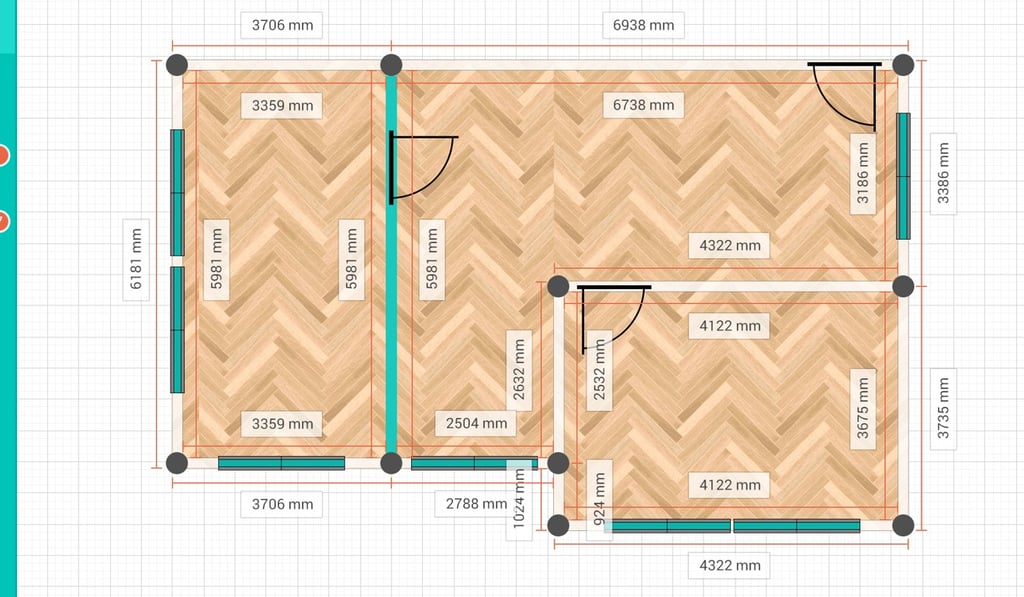
If you want to know whether a piece of furniture you love in the store will look right in your home – or, indeed, if it will fit, not only in the room, but through the doorway – an app called Photo Measures takes care of that. You simply take a photo of the space, and the app sizes it up for you. Do the same with your desired item, and see if it’s a match.