Smartwatch review: rugged Garmin Fenix 5 Plus a worthy upgrade with great functionality and offline music playback
This rugged smartwatch has an impressive range of technological updates that include a built-in mapping functionality, the ability to store up to 500 songs for playback, and a battery life of up to 10 days when paired with a smartphone
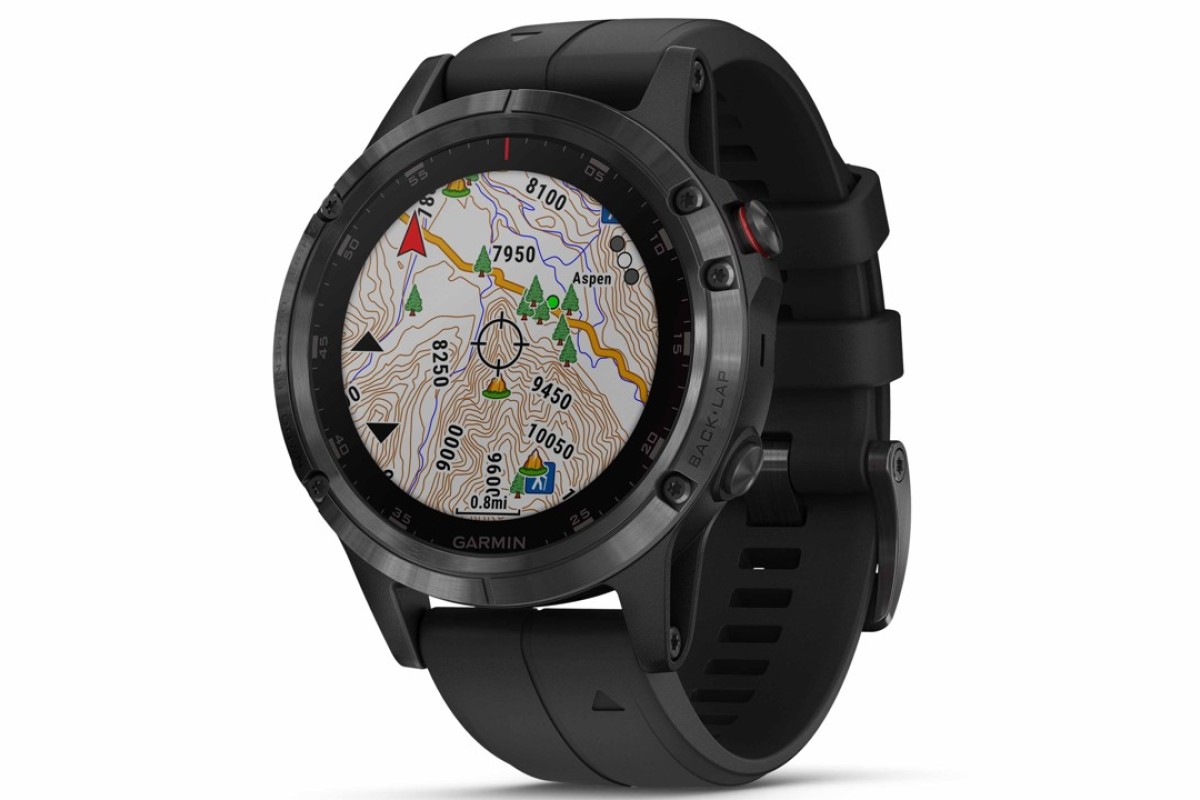
The Fenix 5 Plus is the next iteration of last year’s Fenix 5 – smartwatches from Garmin those with an active lifestyle. Don’t be fooled by the “Plus” in the name – the new series comes packed with an impressive range of technological updates that makes them a worthy upgrade all by themselves.
Apple Watch Series 3 LTE review: a perfect smartwatch and phone combo
Hardware and set-up
The Fenix 5 Plus review unit we tested sports a sapphire glass display and bezel coated with a diamond-like carbon (DLC) titanium finish. This is a combination of tough materials, and is complemented by a rating of 10 ATM that makes it suitable for swimming or snorkelling. You pay for that, though: the Fenix 5 Plus is large, at 47mm across with a thickness of 15.8mm, and even the lighter titanium variant weighs a hefty 76 grams.
The watch face is a 1.2-inch display with a resolution of 240 by 240 pixels and five buttons to control its various functions – necessary as the screen isn’t touch sensitive. The versatile silicone strap has holes down its entire length and should fit most wrists. For the fashion conscious, silicon straps with various colour options are also available, including a more expensive variant with a DLC titanium bracelet.
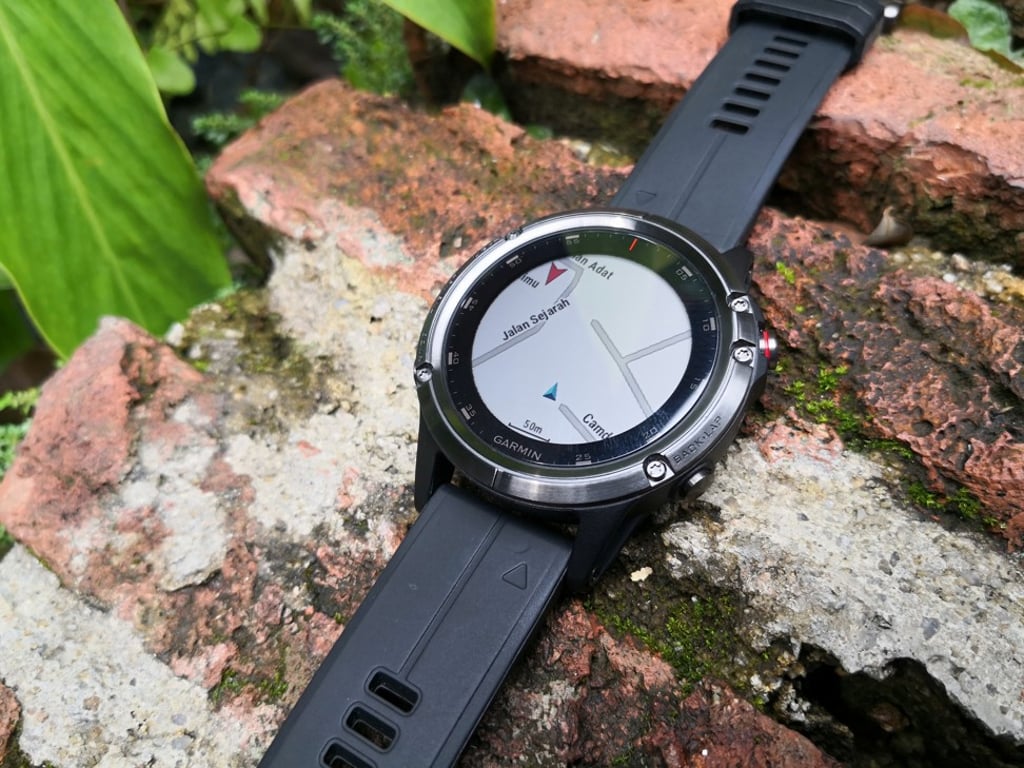
The transflective display is sunlight-visible, though you shouldn’t expect the vibrant colour display you will find on an Apple Watch or the latest Fitbit smartwatches. The upside is fantastic battery performance – and you can toggle the dedicated backlight button for visibility in the dark.
The set-up process for the Fenix 5 Plus is polished, and involves downloading the free Garmin Connect app from the iOS App Store or Google Play Store. Enable pairing on the watch, and add the device from the app by selecting the correct device. Information such as age, gender, and weight requested from the app is automatically updated onto the smartwatch.
Software and features