Advertisement
Want to play the latest PC games? How to upgrade your computer and get a better graphics card for the best performance
- You don’t even need a top of the line card to get high resolution and smooth performance from your PC
- Even with an entry level modern chip, tweak your settings and set-up and you will be able to play the most demanding games
3-MIN READ3-MIN
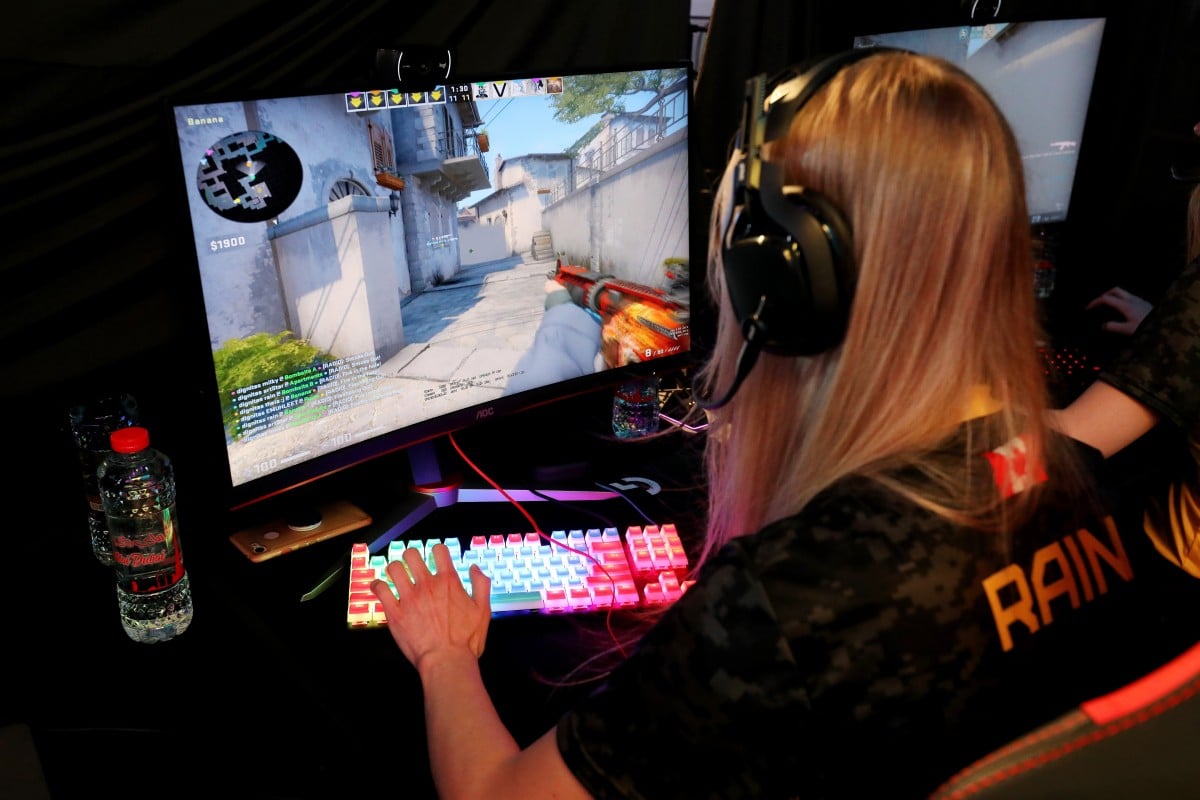
A graphics card is a key hardware component in any PC, but if you’re interested in gaming or editing media, it’s probably the most important part of your computer.
If the latest games will no longer run smoothly in Full HD resolution, a new graphics card may be the easiest fix. But it doesn’t even have to be one of the top-of-the-range models supporting 4K.
According to numerous tests from gamers on YouTube, even entry-level models of the current chip generations of Nvidia and AMD are powerful enough to deliver smooth performance for current software and games.
Advertisement
Performance isn’t the only consideration – you also need to think about the set-up of the computer that the card will be installed in.
Advertisement
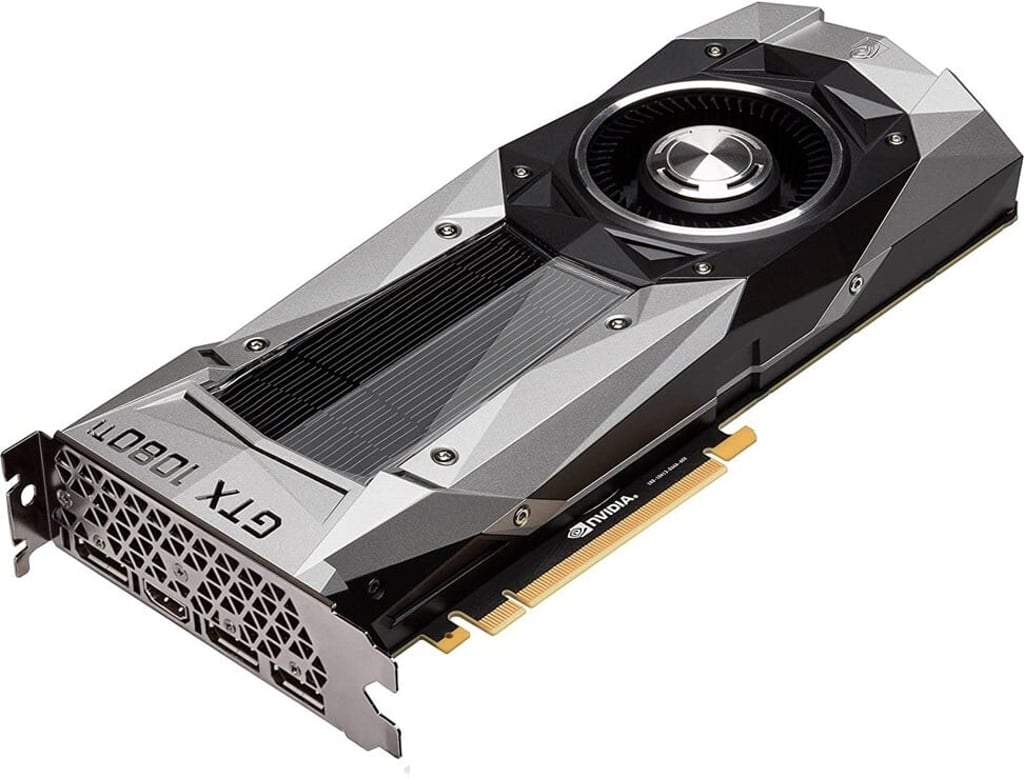
First, is there enough room in your PC’s housing to fit it? Some especially large graphics cards such as older Nvidia GTX 1080 take up a lot of space. A card that’s too big could obscure adjacent slots or prevent you from being able to close up the PC again after installing the card.
Advertisement
Select Voice
Select Speed
1.00x