How to take SLR-quality photos with your iPhone: a professional photographer shows us how

Hong Kong photographer Thomas Fung took his iPhone 11 Pro on a trip to California’s man-made folk-art monument, Salvation Mountain, and reported back
Most of us think we’re experts when it comes to smartphone photography, but what can a professional photographer tell us about using an iPhone vs using a “proper” camera?
Thomas Fung is a photographer from Hong Kong who loves travel, colour and design. He recently travelled to Salvation Mountain – a large-scale art installation or “visionary environment” in the Californian desert – where he used an iPhone 11 Pro to capture his stunning surroundings.
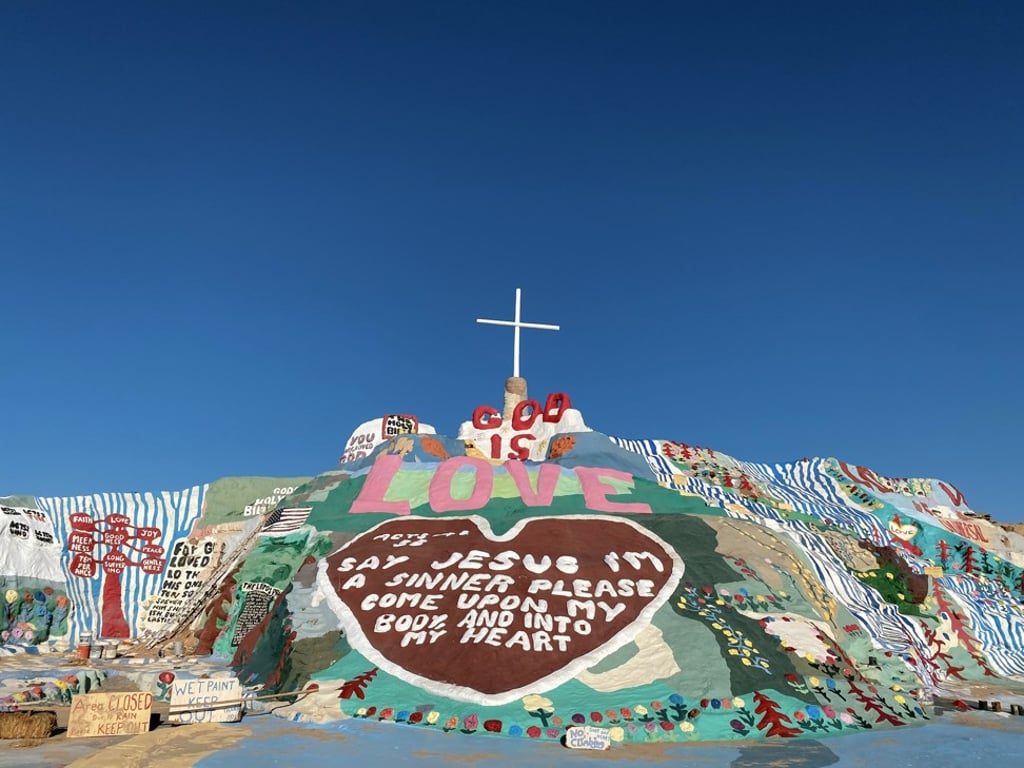
Here, he tells us about using a smartphone for his professional work.
Why use a smartphone instead of a camera for work? Why an iPhone in particular?
The iPhone comes in handy when sharing photos with clients and doing brief touch-ups with various apps. I have been an iPhone user for many years and nothing quite beats the AirDrop function, which allows the spontaneous transfer of images and videos.
Alternatively, when would a camera work better than a smartphone?
You never know when the “shot of a lifetime” will happen, so I do carry my camera with me most of the time. Before smartphone cameras evolved multi-lenses, like those on iPhones now, capturing wide-angle shots and distant objects was better with dedicated camera lenses.
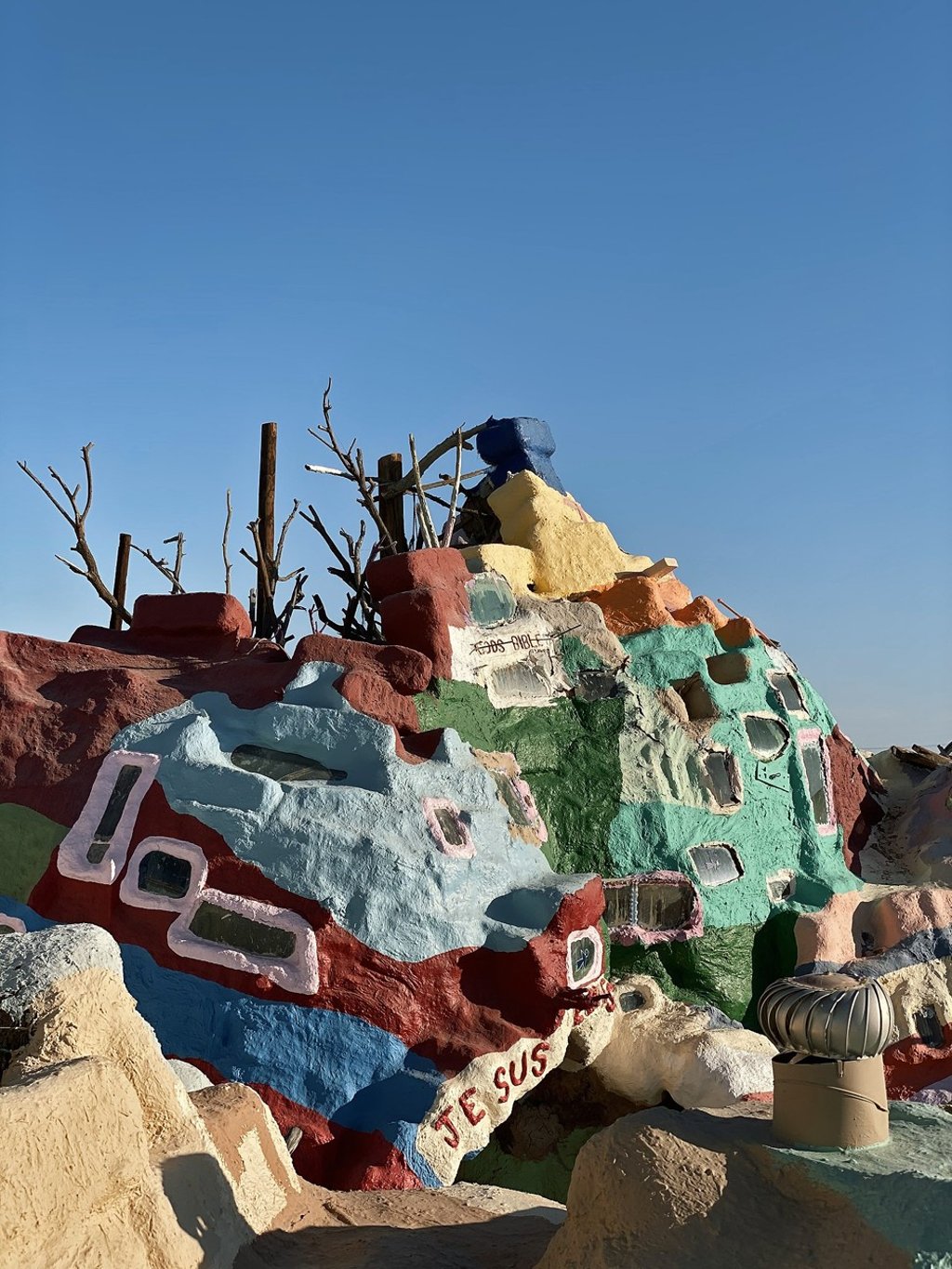
What are five tips you have for smartphone users who want to take beautiful landscape and travel pictures?
1. Adequate lighting really matters. Don’t use a flash unless absolutely necessary.
2. Experiment by taking the same photo in landscape and portrait styles to find what suits you best.