Host a virtual movie night with Kosmi – how to watch Netflix with friends online and video chat at the same time

Your guide to a lockdown movie night using Kosmi, a stand-alone website where you can create a chat room for playing games, watching videos and socialising through video, voice and text chat
Hosting a movie night when you can’t see your friends and family members in person can be challenging, but thankfully there are certain websites and apps designed to make this easier.
In addition to services like Netflix Party and Scener – which are extensions for the Google Chrome browser designed to make it possible to share what you’re viewing on Netflix with others – you might want to consider Kosmi. It’s not a Chrome extension, but a stand-alone website where you can create a chat room for playing games, watching videos and socialising through video, voice and text chat.
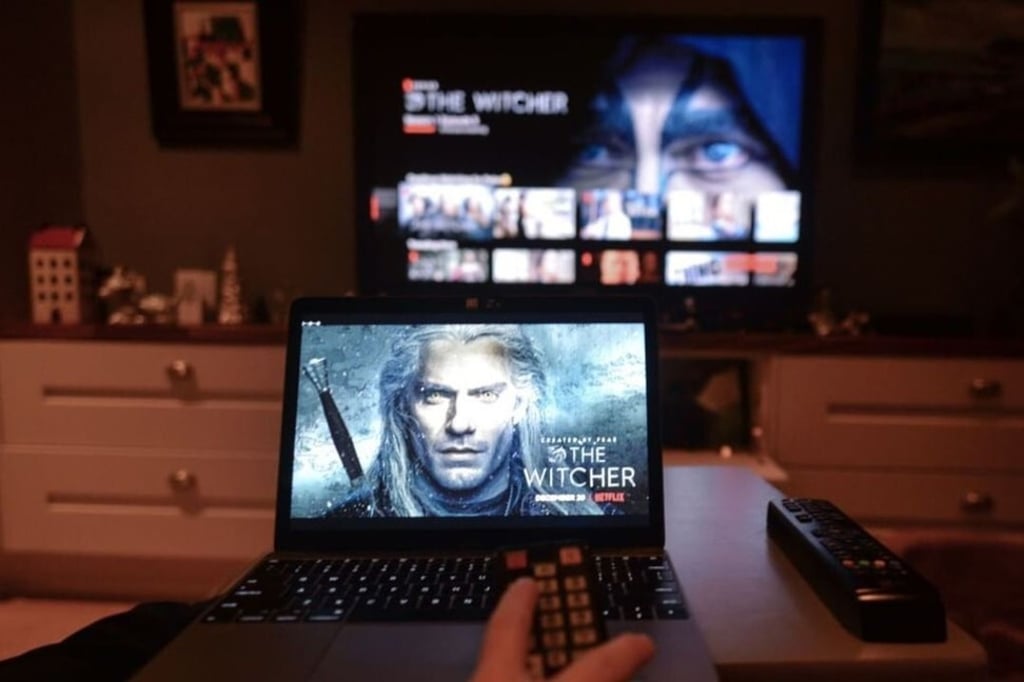
You’ll have to share your screen with the group to watch Netflix together, but the site has a built-in player for watching YouTube or video files stored on your laptop. So if you have movies downloaded on your computer, you’ll be able to share them virtually through Kosmi. Since you’re just sharing your screen, the other participants don’t need to have a Netflix or other video streaming account.
The website isn’t perfect – the video chat windows are a bit small, and without an account it can be difficult to see who’s typing in the text chat. Still, it’s a relatively easy way to hold a virtual movie night, and it does offer advantages over alternative methods.
For example, playing Jackbox Games on your laptop while sharing your screen on a video call is a great way to host a virtual game night remotely. While this method works well, as the host I did find that it was sometimes difficult to hear other participants over the volume of the game’s background music. Based on my experience using Kosmi, it seems slightly better about balancing audio from the video you’re watching against the chat participants’ voices.
To host a Netflix binge session remotely with Kosmi, all you need is a Netflix subscription and a laptop, ideally with the Google Chrome browser installed.
How to get started
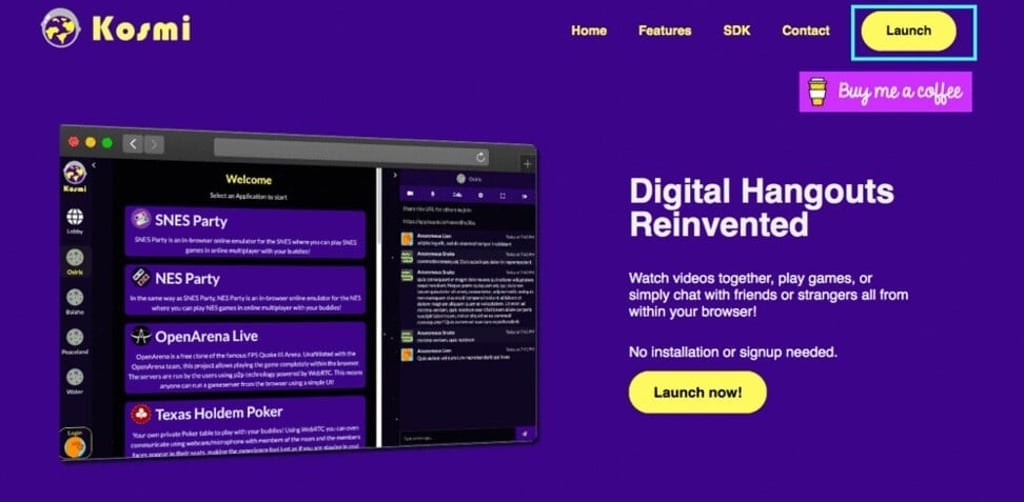
First, navigate to Kosmi.io on your laptop or desktop computer and click the “Launch” button. I’d recommend using Google Chrome since the browser makes it easy to share both video and audio. Plus, if you’re screen sharing, you can choose to only share a single tab rather than your entire screen.